Campaign Data Export
Last updated May 31, 2026
Export Formats
Dungeon Manager supports three export formats for your campaign data. All exports include everything in your campaign.
CSV Export (ZIP)
Downloads a ZIP file containing separate CSV files for every data type:
- Campaign details, arcs, sessions, NPCs, factions, locations, world lore, quests, encounters, session plans, handouts, homebrew monsters, homebrew spells, deities, players, combats, calendars, session proposals, and random encounter tables
Best for: spreadsheet analysis, data migration, or archival backup.
JSON Export
Downloads a single JSON file with your complete campaign in a nested structure.
Best for: programmatic access, importing into other tools, or API-style backup.
PDF Export (DM Prep Document)
Downloads a formatted PDF designed for at-the-table reference. See Exporting & PDFs for details on what's included.
Best for: printing or reading on a tablet during play.
How to Export
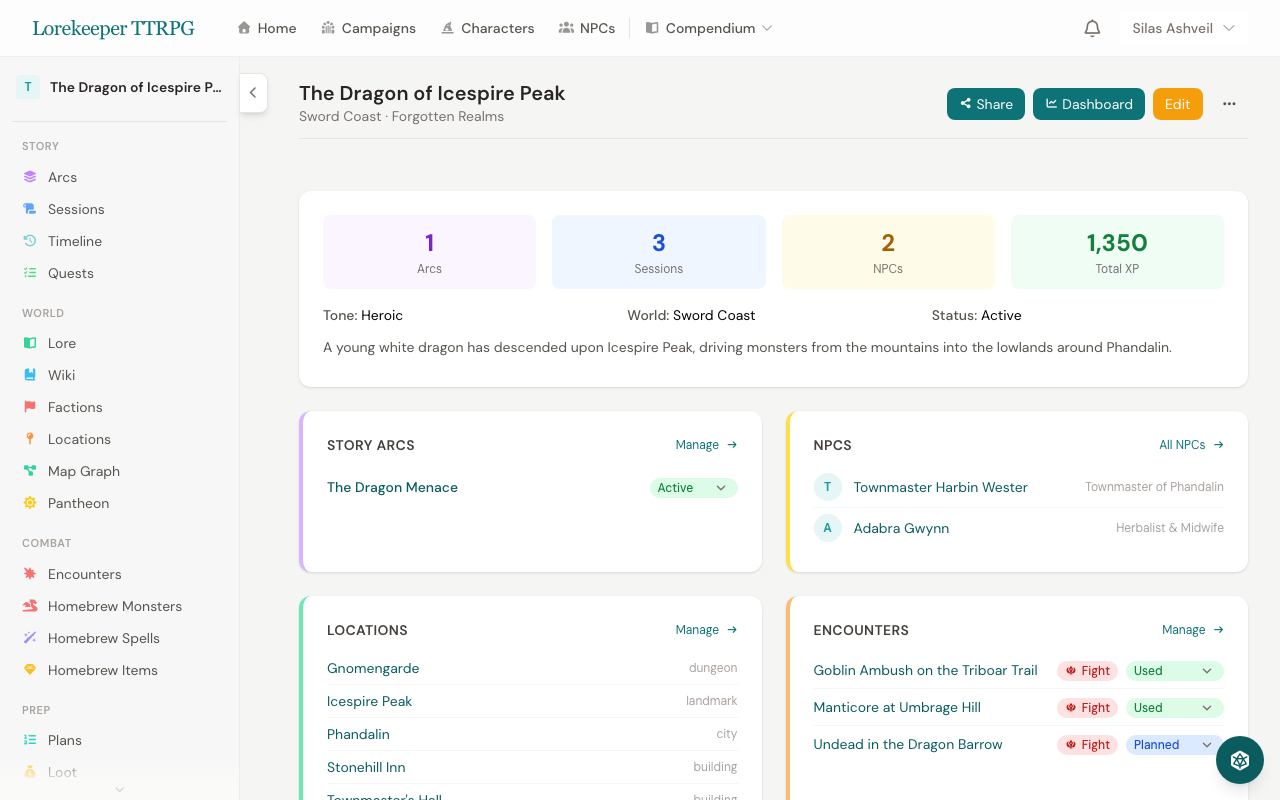
- Go to your campaign page
- Click the Export button (or find it in the campaign menu)
- Choose your format: CSV, JSON, or PDF
- The file downloads automatically
Export filenames include your campaign name and the current date for easy organization.
What's Included
All exports contain the full campaign — sessions, NPCs, locations, encounters, monsters, spells, quests, arcs, calendars, handouts, and more. Homebrew content you've created is included. Player-submitted data (reviews, comments) is not included in exports.
Was this article helpful?
Thanks for the feedback!