Quick Reference Panel
Last updated Mar 28, 2026
Opening the Panel
Click the d20 icon in the bottom-right corner of any page to open the Quick Reference Panel. It slides in from the right side.
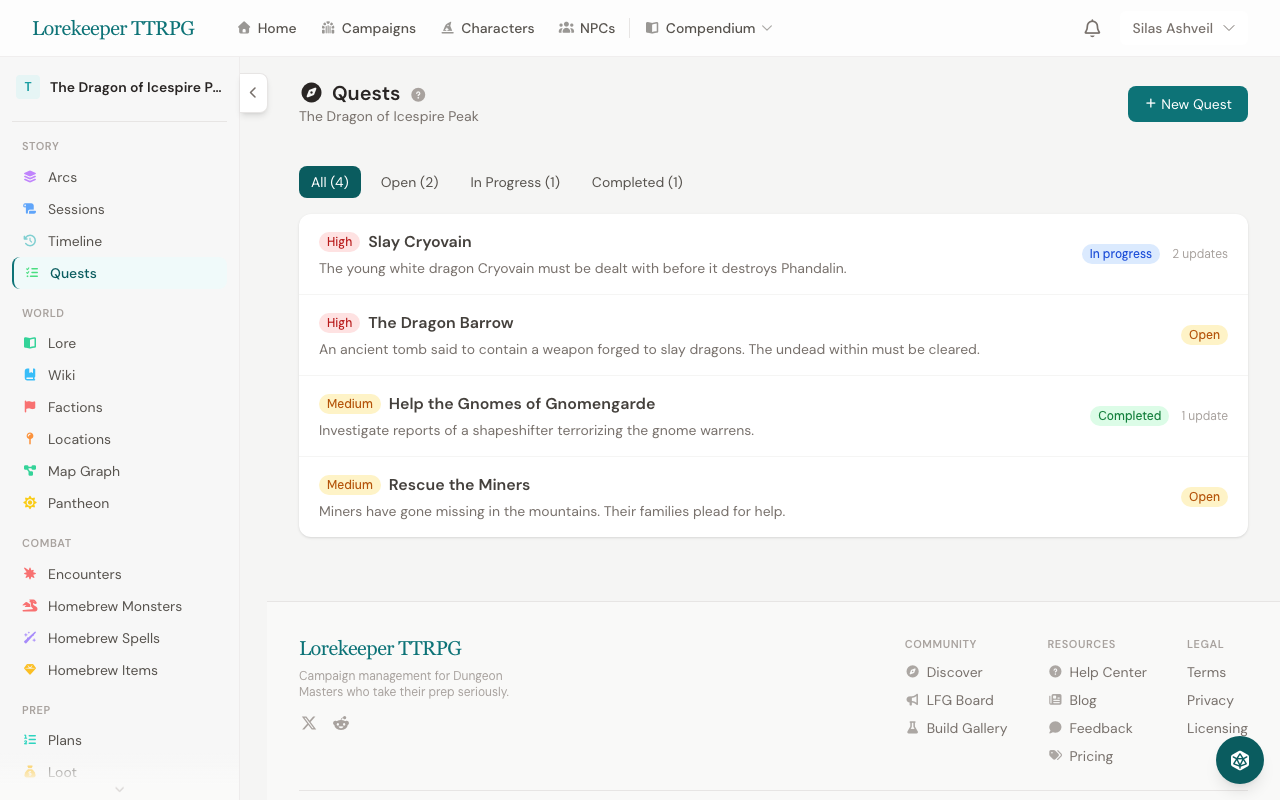 The Quick Reference Panel — click the d20 icon in the bottom-right to open it from any page.
Tabs
The panel has up to 8 tabs depending on which page you're on:
Dice
A quick dice roller with all standard dice (d4, d6, d8, d10, d12, d20, d100):
- Click a die to roll it
- Set a Modifier to add or subtract from each roll
- Toggle Advantage (roll twice, take higher) or Disadvantage (roll twice, take lower)
- Roll history shows your last 10 rolls
Actions
A reference card for all combat actions:
- Attack, Cast a Spell, Dash, Disengage, Dodge, Help, Hide, Ready, Use an Object
- Plus: Bonus Action, Reaction, and Movement rules
Conditions
All 15 standard D&D 5e conditions with their mechanical effects:
- Searchable — type a condition name to filter the list
- Each entry shows the full rules text
Rules
26 rules quick reference cards covering:
- Ability Check DCs, Cover, Damage Types
- Death Saves, Concentration, Exhaustion Levels
- Difficult Terrain, Short/Long Rest, Falling
- Spellcasting formulas, Surprise, Opportunity Attacks
- Grappling, Shoving, Two-Weapon Fighting, and more
Names
Generate D&D-style names on the fly:
- Select a species to get names appropriate to that fantasy race
- Click Generate for a batch of random names
- Great for improvising NPC names mid-session
Spells
Search the entire spell compendium by name:
- Type at least 2 characters to search
- Results show spell level, school, and ritual tag
- Expand any spell to see casting time, range, duration, components, and full description
- Useful for quickly looking up a spell mid-combat
NPCs (Campaign Pages Only)
Search and browse NPCs from the current campaign:
- Live search by name
- Compact cards showing portrait, species, and occupation
- Expand to see alignment, personality, appearance, ideals, faction, and notes
- Link to the full NPC profile page
Prep (Campaign Pages Only)
A floating session prep checklist with a built-in plan creator:
- Quick Plan — click to create a new plan instantly with auto-suggested items from your active quests, planned encounters, recent NPCs, and locations (see Session Plans for details)
- Shows items from your most recent session plan
- Switch between plans using the dropdown
- Check items off as you complete them during play
- Progress bar shows completion percentage
- Color-coded badges for item types (encounter, NPC, location, note)
- Open full planner link to the full Session Planner page
Was this article helpful?
Thanks for the feedback!