Encounters & the Difficulty Calculator
Last updated May 31, 2026
Creating an Encounter
- Go to your campaign → Encounters
- Click New Encounter
- Give it a Title and optional Description
- Add monsters from the compendium:
- Search by name, type, or CR
- Set the quantity for each monster
- The difficulty calculator updates in real time
Difficulty Calculator
Dungeon Manager automatically calculates encounter difficulty using the DMG XP threshold system:
- Easy — not a significant challenge
- Medium — a moderate challenge with some resource expenditure
- Hard — a dangerous fight that could go badly
- Deadly — could be lethal for one or more party members
The calculation considers:
- Total monster XP (adjusted for number of monsters)
- Party size and average level
- XP thresholds per character level
The difficulty badge updates live as you add or remove monsters.
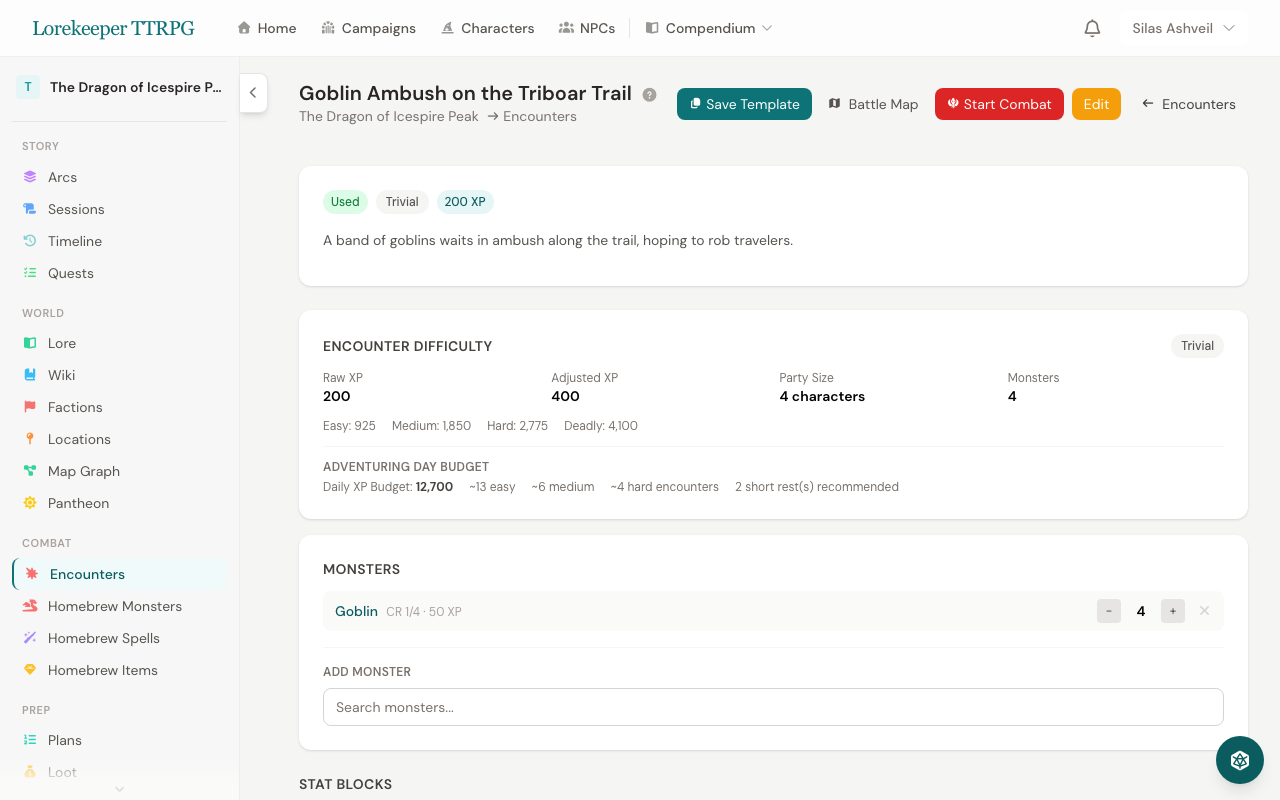 The difficulty calculator updates in real time as you add or remove monsters.
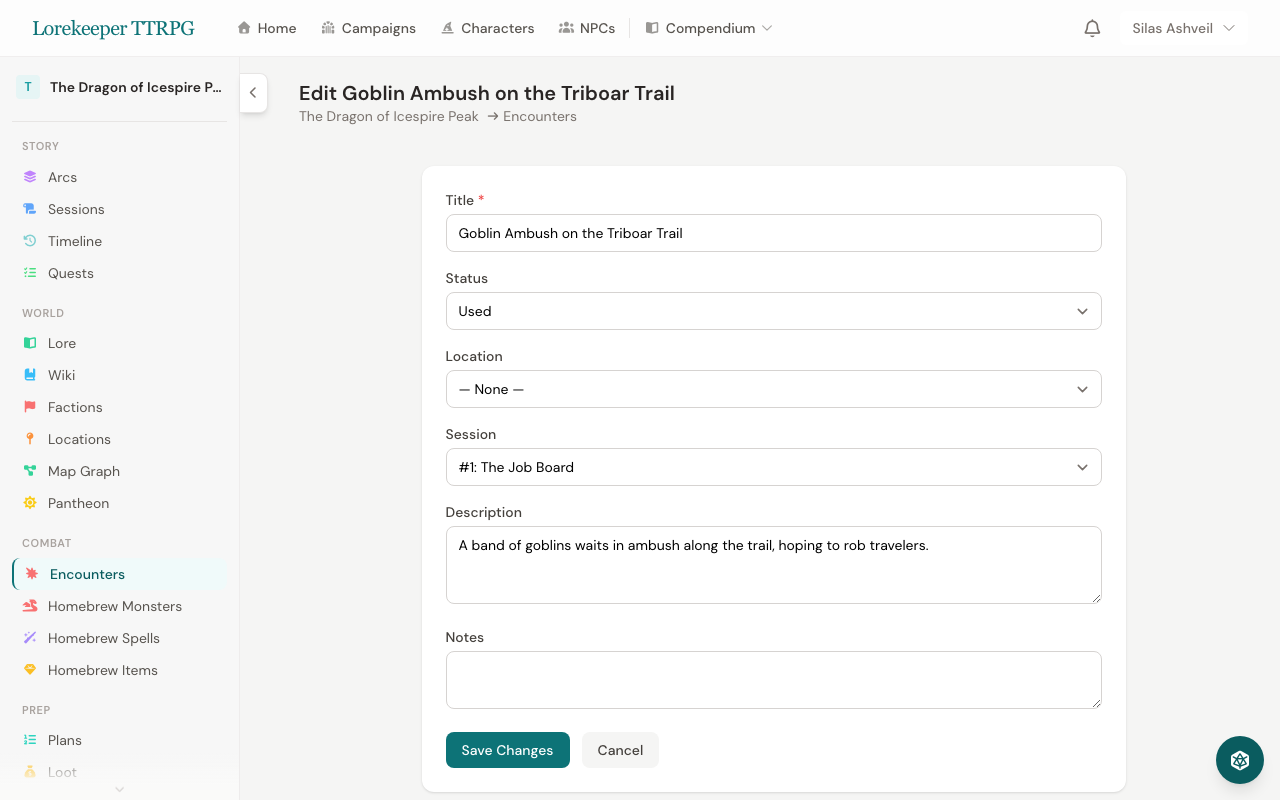 An encounter page — view the full breakdown with expandable monster stat blocks.
Random Encounter Tables
Create campaign-specific encounter tables:
- Go to your campaign → Encounter Tables
- Create a table by terrain type (forest, dungeon, road, etc.)
- Add entries with weight values (higher = more likely)
- Click Roll to randomly select an encounter
Entries can link to existing encounters for quick combat setup.
Starting Combat from an Encounter
On any encounter's page, click Start Combat to launch the combat tracker with all monsters pre-populated. You can optionally upload a battle map when starting combat.
Was this article helpful?
Thanks for the feedback!